Hands-on simulation
Object interactions, procedural tasks and responsive simulation systems, built for the target device and the intended user workflow.
 GAMELANCE
VR DEVELOPMENT & SIMULATION
Custom VR experiences, training simulations and assessment tools in Unreal Engine. Built around the people, tasks and devices your project needs to support.
DEVELOPMENT SCOPE
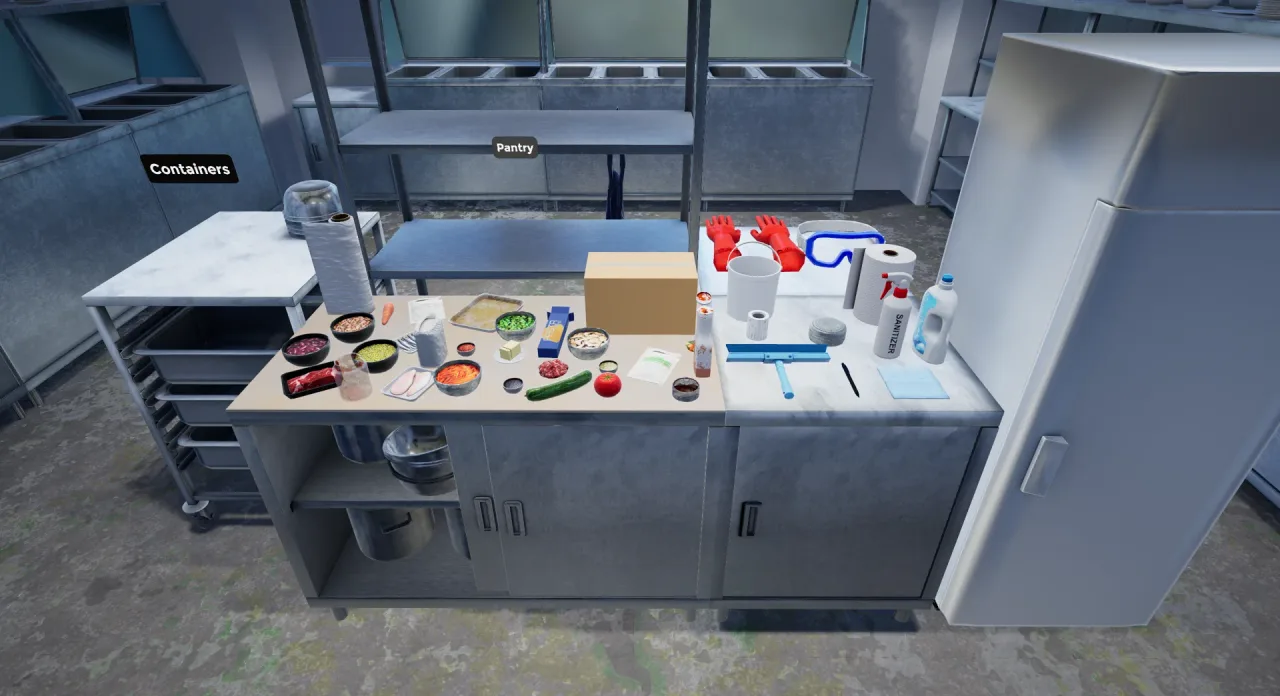
A useful application connects interaction, simulation and feedback. We help implement the workflow: what the user does, what the software records and how an instructor or reviewer uses the result.
Object interactions, procedural tasks and responsive simulation systems, built for the target device and the intended user workflow.
Task and mistake tracking, timed events, recorded session data and reporting. Define the measures around your assessment requirements.
Connected VR users, instructor controls, spectator views and replay systems for applications that need shared sessions and review.
In-world interfaces, object handling and user controls that connect the experience to the headset and input devices your application uses.
RELEVANT WORK
Project context, development responsibilities and media, with the full story in each case study.
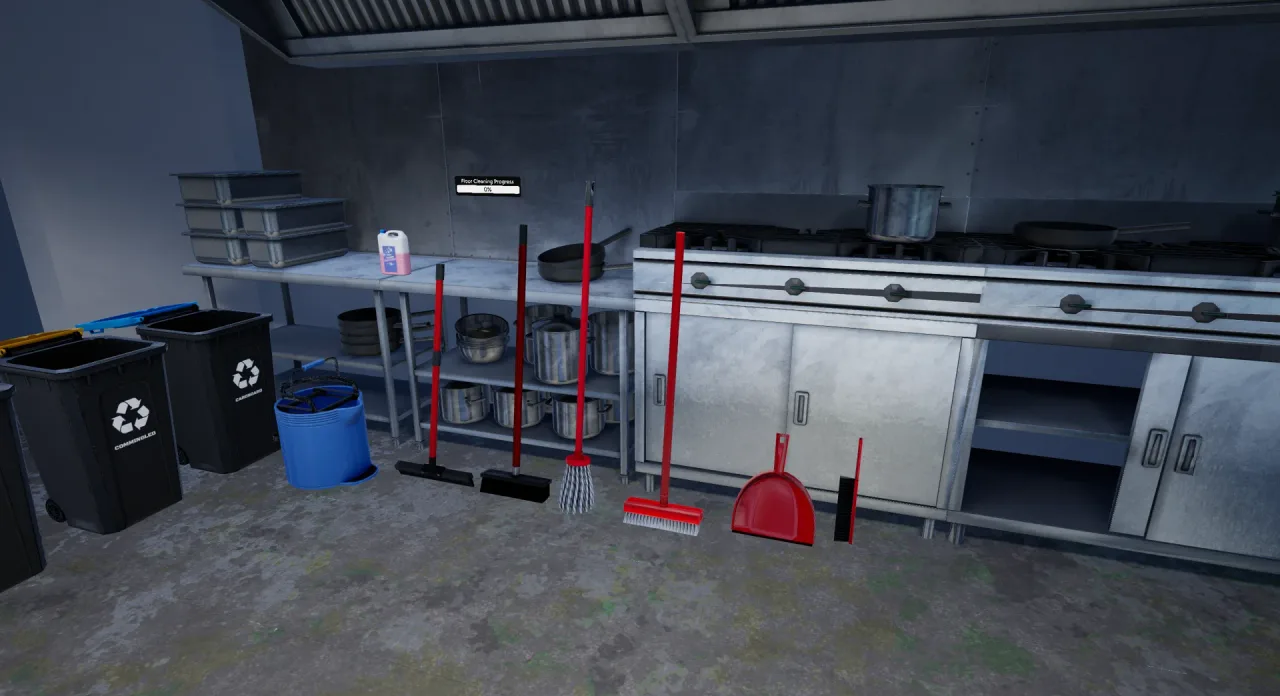
STANDALONE QUEST · ASSESSMENT
Procedural evaluation, task and mistake tracking, event recording and PDF reporting in a standalone Meta Quest application.
View case study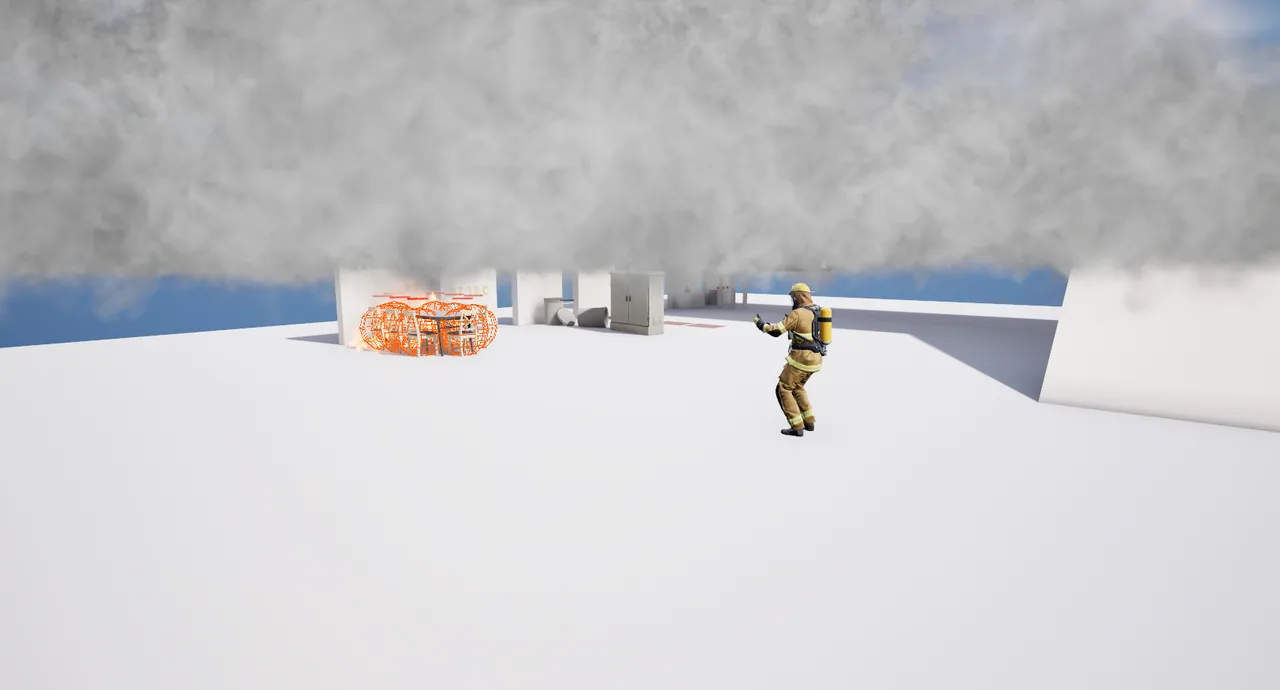
PC VR · MULTIPLAYER SIMULATION
Multiplayer training engineering with fire and smoke systems, instructor tools, assessment and gameplay-data replay. The completed phase was tested and accepted by the client.
View case studyWORKING TOGETHER
Identify the users, environment, tasks and intended assessment or interaction. Decide what the application needs to do before choosing the feature set.
Agree the devices, user roles, simulation behaviour, reporting and review milestones around a clear development scope.
Plan testing around the actual hardware and session workflow, with installation, source delivery and support requirements agreed for the engagement.
BEFORE WE START
Have a different question? Include it in your project brief.
Our case studies include standalone Meta Quest and Windows-based PC VR. Hardware affects performance, visual detail, networking and deployment, so the target setup is part of the initial scope discussion.
Yes, where required by the application. Our FFTS VR work includes instructor controls, spectator cameras, live monitoring and gameplay-data replay. The appropriate tools depend on the training workflow and agreed scope.
Yes. Our kitchen assessment and firefighter simulation work includes event tracking and reporting. We define the measures, report format and data-handling requirements around your assessment workflow.
Describe who will use the application, the tasks they perform, the devices available and what the organization needs to observe or assess. Existing training material, a process outline or a demonstration of the current workflow can help define the brief.
DISCUSS YOUR PROJECT
Share the intended users, target devices and what they need to practice, explore or assess. We’ll review the brief and discuss the development requirements.